

It's 6am. A team member calls out sick, and you need to fill the shift fast -- but Humanity is getting in the way. Whether it's unpredictable per-employee pricing, a clunky mobile experience, or features that don't fit how your team works, you're not alone in looking for Humanity alternatives.
If Humanity isn't working for your team, you're not stuck with it. There are stronger fits out there depending on your team size, budget, and whether a free plan matters to you.
We compared six of the best Humanity alternatives for 2026 -- verified pricing, live ratings, and honest tradeoffs -- so you can find the one that actually works. Quick note on scope: this guide covers employee scheduling (shifts, coverage, time off), not patient or appointment booking.
The Best Humanity Alternatives at a Glance
The best Humanity alternatives for 2026 cover a range of team sizes and priorities. Here's the short version of who's a good fit for what, before we get into the full rundown of each Humanity alternative below.
- When I Work -- the closest like-for-like swap for straightforward shift scheduling.
- Deputy -- best for compliance alerts and clean payroll connections.
- Connecteam -- best all-in-one for deskless teams; free plan for small teams.
- Sling -- best free scheduling option for smaller teams.
- Buddy Punch -- best for flexible time-tracking and clock-in options alongside scheduling.
- Findmyshift -- best for simple, spreadsheet-style rostering with flat per-team pricing.
Why Trust Homebase? Why We Built This Guide
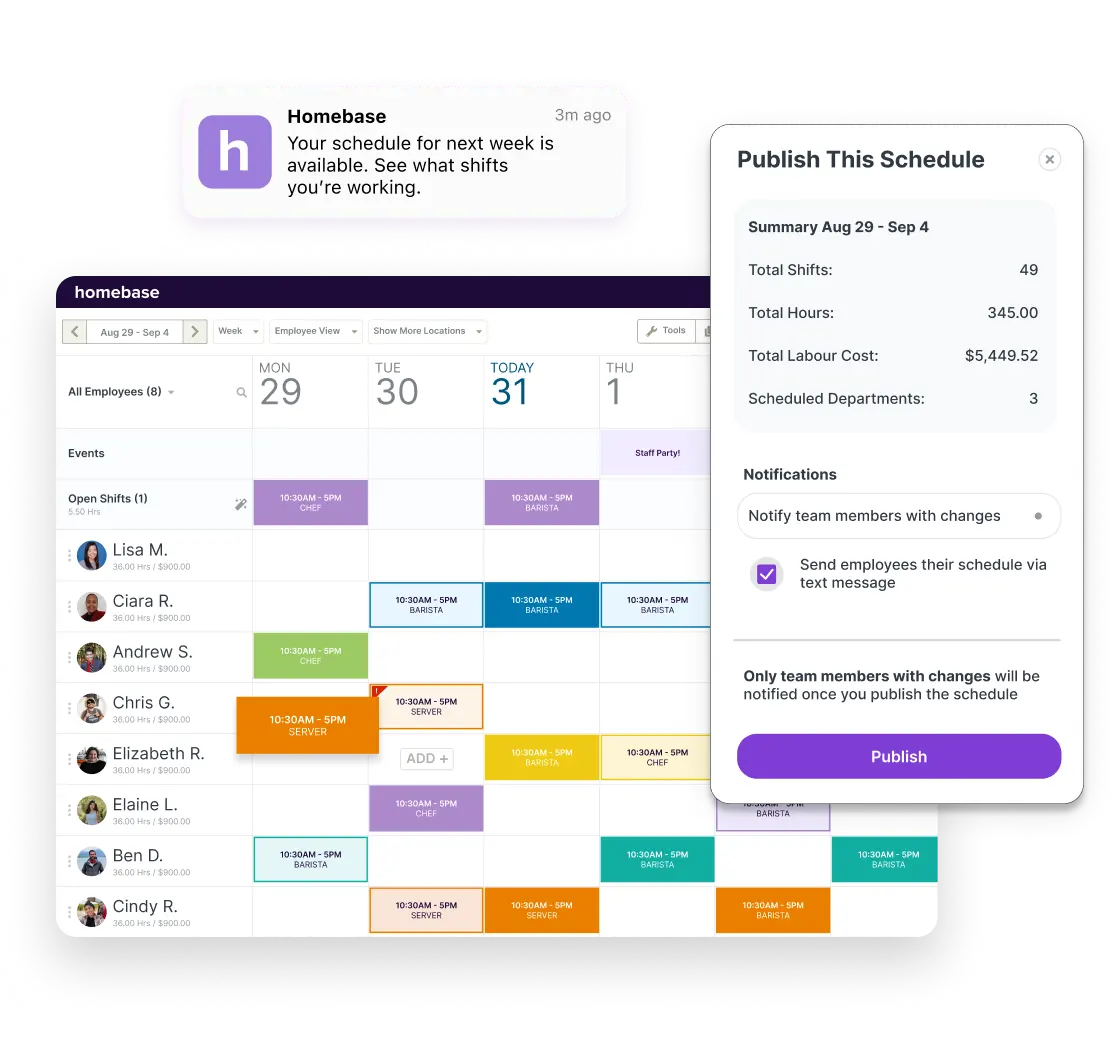
We're Homebase, and we build scheduling, time tracking, and payroll tools for small businesses with hourly teams -- the same audience that's most affected when a scheduling tool like Humanity doesn't fit.
We looked at every tool on its own merits -- pricing from each vendor's own site, ratings from live G2 and Capterra pages -- and we never take payment or backlinks for a placement.
What we care about in a shift scheduling tool -- and where Humanity's model makes things hardest to assess:
- Free-tier access
- A mobile app your team will actually open
- Self-service shift coverage
- Pricing you can understand without a sales call
How We Chose These Humanity Alternatives
For this guide, we evaluated Humanity alternatives for small businesses and employee scheduling software for healthcare settings like clinics and home care. We looked for:
- Free-tier availability and public pricing
- Mobile experience
- Shift coverage (workforce management basics)
- Labor-cost visibility
- Payroll integration
- Setup speed
See our methodology for details.
How Humanity Compares, and What to Weigh
If you're already on Humanity and it's not quite working, it helps to understand what the Humanity scheduling software actually offers before you switch. For most teams, humanity employee scheduling comes down to the same three questions: how big is your team, what's your budget, and do you need a free plan?
Humanity scheduling pricing is per-employee, with a trial but no free plan.
TCP Humanity Schedule pricing:
- Essentials: $2.75/employee/month billed annually (up to 250 employees)
- Professional: from $3.75/employee/month
- Enterprise: custom quote
30-day free trial, no credit card -- but no free plan after that.
Per-employee billing means your cost grows with headcount -- whereas some best employee scheduling software options charge per location with unlimited employees. Do the quick math for your headcount before you sign up.
Mobile experience is worth testing with your team.
The Humanity app covers scheduling, time tracking, and reporting on iOS and Android. Reviews on mobile usability for the Humanity software are mixed -- worth reading a few recent ones on G2 and Capterra before you decide.
It's a point that keeps coming up in the r/CRMSoftware healthcare-scheduling thread too: the hard part isn't finding workers, it's getting the right person into the right shift coverage gap before the shift starts.
The Best Humanity Alternatives for 2026
Every tool below went through the same checks: we verified pricing on each vendor's own site, pulled live G2 and Capterra ratings, and sourced one real positive and one real critical quote from those pages. Ratings shift, so double-check before you commit.
When I Work: a like-for-like scheduling software alternative.

When I Work keeps it focused: drag-and-drop scheduling and a mobile app your team will actually open, without extras you don't need. If you're replacing Humanity and want the closest like-for-like, this is the most direct Humanity alternatives comparison on this list.
Rating: G2 4.4/5 (375+ reviews) · Capterra 4.5/5 (1,290+ reviews).
Pricing: When I Work starts at $2.50 per user per month for single-location teams and $5 per user per month for multi-location businesses, with a 14-day free trial and no credit card required.
What users like: "It also has a feature that allows staff who are working at off-site locations to clock in and out based on where they are physically located... Also, the pricing is AMAZING. You pay by the month based on the number of staff. It's super flexible up and down." -- JoAnna L., Executive Director, Capterra
What users criticize: "The app glitches and became unusable at some point. Unfortunately, it would not always show the most recently updated responses or schedule and as a result it became unreliable." -- Lauren J., Stylist, Capterra
Our take: For teams comparing Humanity for pure shift scheduling, When I Work is the closest match and the fastest to pick up. If you need deeper compliance tools or audit trails, Deputy is the better place to look.
Deputy: healthcare employee scheduling software with compliance tools.
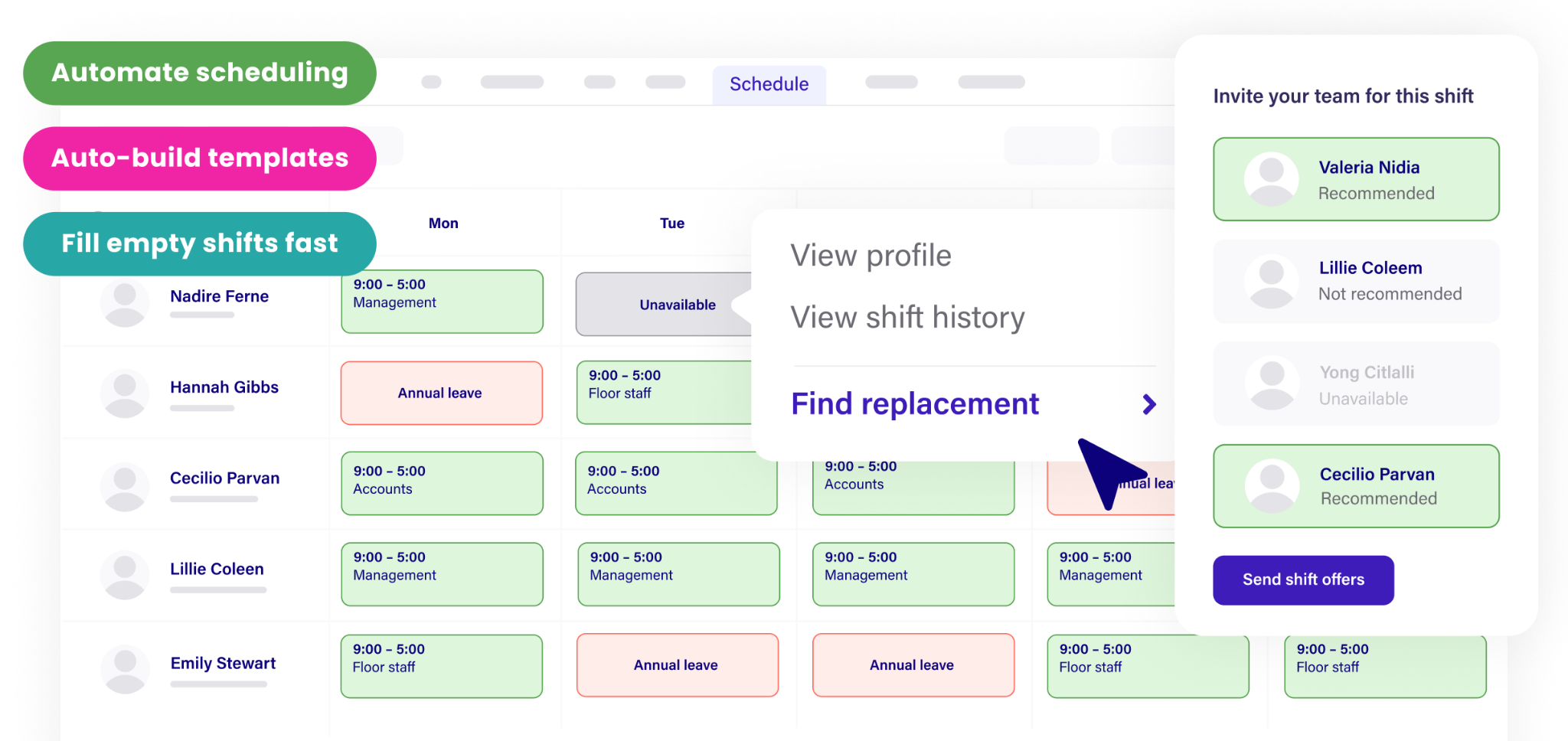
Deputy builds compliance alerts right into the shift-building process, which matters a lot if you're in home care, allied health, or any regulated industry where break rules and overtime limits aren't suggestions. It's the strongest healthcare employee scheduling software pick here if getting compliance wrong has real consequences for your team. For a deeper look at clinical tools beyond this list, see our healthcare staff scheduling software guide.
Rating: G2 4.6/5 (665+ reviews) · Capterra ~4.6/5.
Pricing: Deputy offers Lite at $5 per user per month and Core at $6.50 per user per month.
What users like: "Wage costing; gives us a forecast of the staff costing before we get to the end of the week and its too late to cut costs." -- Francis D., General Manager, Hospitality, G2
What users criticize: "You get emails if anyone comments or posts. With a big company this looks like 200+ emails a day. And it's always frozen or down and no one on our end knows how to use it." -- Verified User in Food & Beverages, G2
Our take: Among Humanity alternatives, Deputy is the pick for healthcare-adjacent teams where compliance is part of the day -- home care, allied health, complex labor rules. Per-user costs climb with headcount, so do the math first.
Connecteam: all-in-one homecare employee scheduling software.
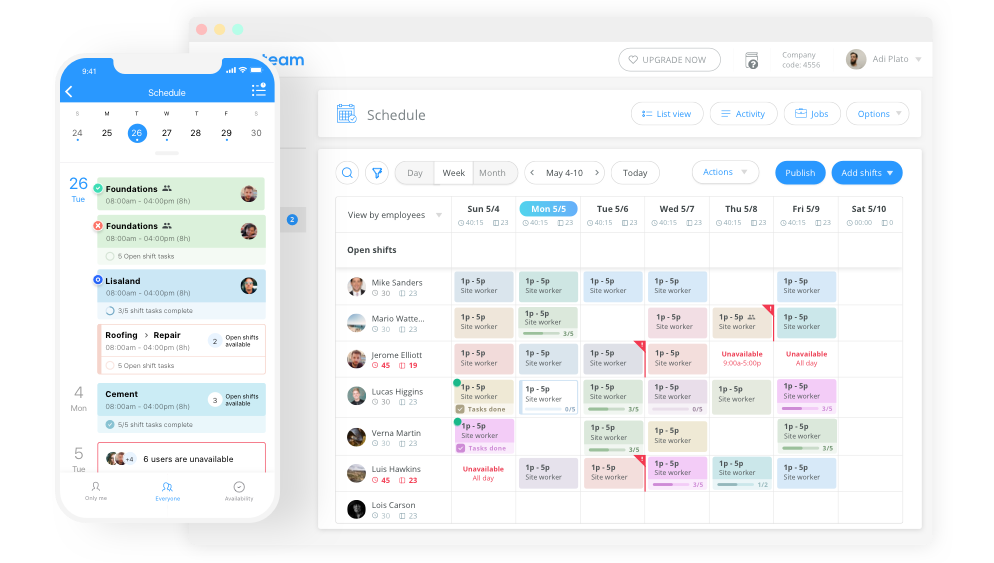
Connecteam bundles scheduling, time tracking, team chat, and digital forms into one mobile-first app -- a natural fit for deskless teams like home care agencies, small clinics, and field service businesses.
Its automated scheduling tools and free plan for up to 10 users make it the easiest place to start for small teams trying homecare employee scheduling software for the first time.
Rating: G2 4.6/5 (3,500+ reviews) · Capterra 4.6/5 (5,280+ reviews).
Pricing: Free for life for up to 10 users (Small Business Plan); paid plans for larger teams. Healthcare teams: you'll need to complete a HIPAA BAA before sharing any patient-adjacent data through the tool.
What users like: "won because the free plan covered our 8 techs and the mobile app was the easiest for them to adopt. Other tools either charged per user right away or had a steep learning curve. We needed time tracking, scheduling, and chat in one app without training the whole crew for a week." -- Jonathan A., Project Manager, Construction, Capterra
What users criticize: "I disliked how expensive it became once we needed more than 10 employees. There wasn't a way to pay for only what we needed to stay efficient... The monthly cost for a small company like ours isn't feasible." -- Verified User in Construction, G2
Our take: Of everything on this list, Connecteam has the most generous free plan -- and if your team is deskless (home care, clinics, field service), it's hard to beat as homecare employee scheduling software with a free entry point. Just sort out the HIPAA BAA before anything patient-adjacent once you cross 10 users.
Sling: employee scheduling software free for smaller teams.
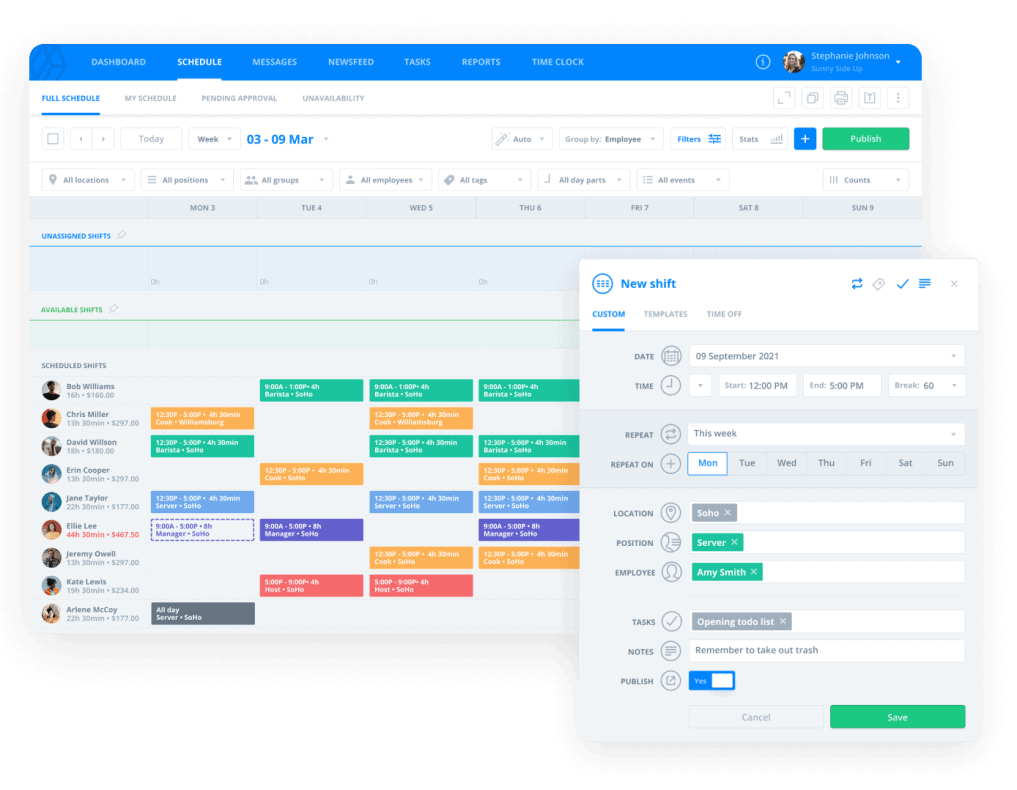
Sling's main draw is its free plan -- no per-user fees, just employee scheduling software free from day one. It covers shift scheduling, employee self-service, team messaging, and open shifts, with labor cost tools on paid tiers.
Rating: G2 4.4/5 (88 reviews) · Capterra 4.6/5 (210 reviews).
Pricing: Sling offers a free plan for up to 30 users (per support docs; Toast accounts excluded). Existing accounts over 30 can continue but can't add users without upgrading. Paid tiers add labor cost tools.
What users like: "Great software that ties into my pos. Free for staff makes it even better. Easy to use and easy to teach." -- Hunter P., Owner, Restaurants, Capterra
What users criticize: "Users find the app's limited features restricting, especially for team-building beyond basic scheduling... Not a lot of team building things in the app other than scheduling." -- Verified User in Health, Wellness and Fitness, G2
Our take: Among Humanity alternatives, Sling is the easy answer for smaller teams that want free scheduling. Payroll and labor cost controls are on paid tiers and the free plan caps at 30 users -- but for scheduling and messaging, it's a great place to start.
Buddy Punch: a staff scheduling app built around time tracking.
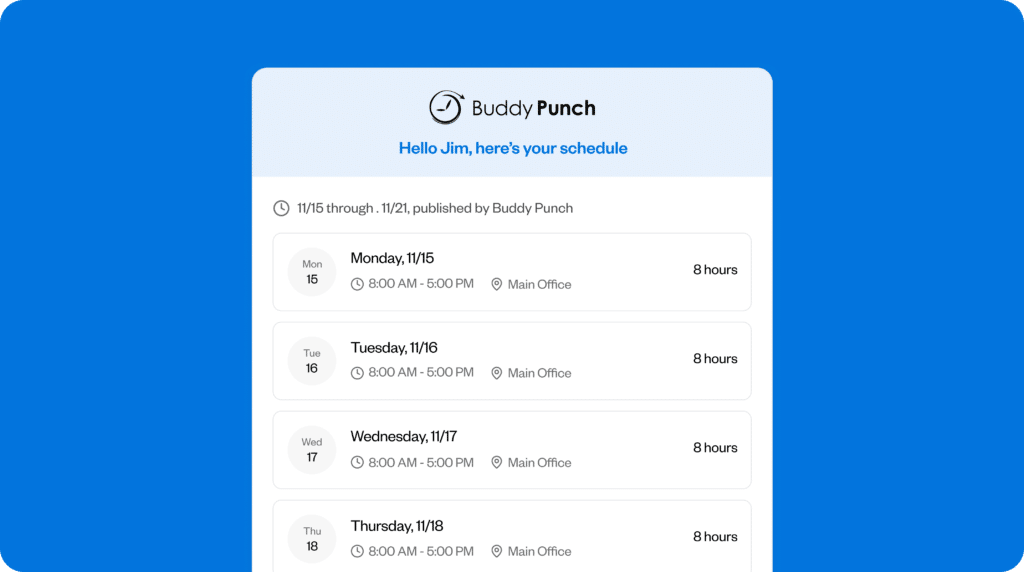
Buddy Punch earns those 4.8-star ratings with genuinely strong time tracking -- geofencing, QR codes, GPS verification, kiosk punching. If knowing exactly who clocked in where is a real priority for your team, it's the strongest staff scheduling app on this list. It's especially popular in healthcare and multi-site businesses for exactly that reason.
Rating: G2 4.8/5 (370 reviews) · Capterra 4.8/5 (356 reviews).
Pricing: Buddy Punch Starter has a $19 base monthly fee plus $4.49 per user per month billed annually ($5.49 monthly), with scheduling as a +$1 per user per month add-on; Pro has a $19 base fee plus $5.99 per user per month annual ($6.99 monthly) with scheduling included. Payroll can be added for $6 per user per month plus a $39 base fee per month. For very small teams, the base fee raises cost-per-head.
What users like: "In the healthcare field, accountability is everything. Features like Geofencing and GPS tracking give me peace of mind by showing exactly where my team is when they clock in, and the map visualizations make managing multiple sites a breeze." -- Verified User in Hospital & Health Care, G2
What users criticize: "I wish the computer version made it easier to fill in the blanks when scheduling. While I do like the drag-and-drop feature, it ends up being quite slow and time-consuming when I need to move shifts to the right staff member." -- Kristina C., Hospital Assistant Manager, G2
Our take: Buddy Punch is a real contender for the best staff scheduling app when clock-in accountability is the priority. The base fee makes it pricey per head for very small teams, but from around 15 employees up it's well worth a look.
Findmyshift: spreadsheet-style shift scheduling with flat pricing.
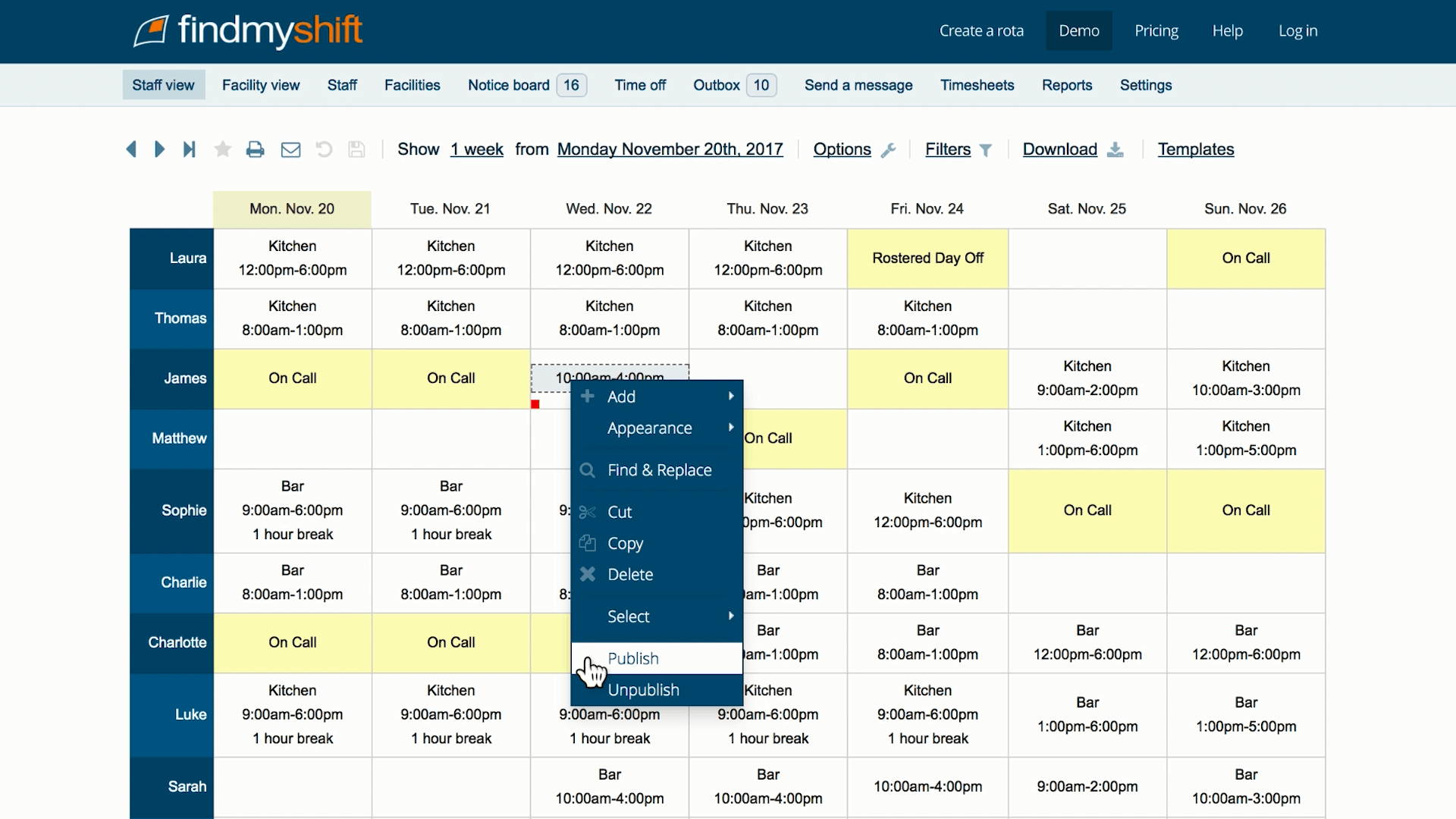
Findmyshift keeps shift scheduling simple: a drag-and-drop roster that feels like a spreadsheet with flat per-team pricing. For small teams that find most tools overcomplicated, it's one of the more approachable Humanity alternatives here.
Rating: G2 4.7/5 (27 reviews) · Capterra 4.6/5 (1,197 reviews).
Pricing: Findmyshift offers flat per-team pricing at $27, $43, and $85 per month (US) -- the help center notes most customers pay $27 per month for all employees -- with a free tier for teams of five or fewer.
What users like: "Findmyshift has become an important tool for my team of 20 across 3 retail locations and a warehouse, enabling us to track and manage work schedules effectively and efficiently." -- Michael B., Director, Retail, Capterra
What users criticize: "The jump from a very limited free plan (for 5 users) straight to a $46/month plan for up to 20 users leaves small teams like ours (7-10 people) with no viable option. It is not reasonable to pay for 20 licenses when you only need a handful." -- Rhys A., Team Leader, Capterra
Our take: As Humanity alternatives go, Findmyshift is a solid choice for teams that like spreadsheet-style scheduling and flat per-team pricing. The honest caveat: the step up from the free tier can feel steep once you're just past five people.
How Homebase Compares as a Humanity Alternative
If you're evaluating Humanity alternatives, Homebase is worth putting in the mix -- especially if your team is under 10 people or you want scheduling, time tracking, and team communication without paying for three separate tools. It's built for small businesses, not hospital employee scheduling software for large health systems.
The free Basic plan covers one location and up to 10 employees. Paid plans are priced per location (not per employee), which means your costs stay predictable as your team grows -- a different model than Humanity's per-employee billing.
Homebase
- Starting price: Free Basic plan (one location, up to 10 employees)
- Paid plans: Per location with unlimited employees -- Essentials $30, Plus $70, All-in-One $120 per location per month
- Payroll: Separate add-on at $39 per month plus $6 per paid employee per month
- Key integrations: ADP, Gusto, QuickBooks, POS
- Best for: Small clinics, dental offices, vet offices, home-care support teams
If per-employee billing is what's making Humanity harder to budget for as your team grows, it's worth knowing that the best free scheduling options price differently -- and Homebase is one of them. Per-location pricing means adding a team member doesn't change your monthly bill.
What to Look for in a Humanity Alternative
Not every Humanity alternative suits every team -- what works for a five-person dental office looks pretty different from what a forty-person home care agency needs. Here's what actually matters when you're evaluating shift scheduling tools.
A free tier or clear, transparent scheduling software pricing.
You shouldn't have to talk to sales before you know what a tool costs. Look for a publicly listed price, a free plan, or a no-credit-card trial -- every tool here gives you at least one, and so does Humanity with its 30-day trial.
Fast shift coverage and self-service shift swaps.
This is the 6am-callout problem. A good scheduler lets qualified people grab an open shift -- or swap shifts with a coworker -- without you having to approve every single move.
Overtime alerts and labor-cost controls.
Seeing your labor costs as you build -- not after payroll -- is a real advantage. The NSI Nursing Solutions 2026 Retention & RN Staffing Report lists scheduling conflicts among the top ten reasons employees left their roles, and one PubMed study found nurses working over 40 hours a week were likelier to cite burnout as a reason for leaving. ASPR TRACIE recommends adjusting shift schedules specifically to reduce that fatigue.
That's where Homebase scheduling comes in -- your labor costs update as you build, so you catch an overrun before payday, not after.
A mobile scheduling app your team will actually use.
When your team clocks in on their phones, the mobile scheduling app matters more than the admin view. Test it with the people who'll use it daily before you commit.
Payroll integration and other system connections.
At the very least, connect to payroll integration so you're not re-typing hours by hand. Most tools here work with Gusto, QuickBooks, or ADP -- just confirm the data flows the way you need before you switch.
If you're tired of reconciling timesheets and payroll separately, that's exactly where Homebase fits in -- scheduling, time tracking, and payroll are all connected in one app, so hours flow straight from the clock to payday.
Finding the Right Humanity Alternative with Homebase
The best of these Humanity alternatives comes down to your team and what you actually need from a scheduler. A five-person dental practice can start on Sling's or Connecteam's free plan today. A bigger home-care agency with compliance needs will probably be happier with Deputy or Buddy Punch -- both are strong Humanity alternatives for regulated environments.
If the problem is that Humanity's per-employee pricing doesn't scale the way you need it to, or the mobile experience is costing you time every shift, the tools above are worth a serious look. And if you want scheduling, time tracking, and team communication in one place -- with labor costs visible as you build, not after payroll runs -- scheduling with Homebase is free to try for one location and up to 10 employees.
“It's super easy for staff to clock in and out using their phone. It's really easy to create schedules and make changes as needed... And most of all, the monthly price is really affordable for a small business like mine.” — Shelly Betz, Owner & Office Manager, Modern Chiropractic Center:
{{banner-cta}}
Frequently Asked Questions About Humanity Alternatives
Is there a free alternative to Humanity?
Several free alternatives to Humanity exist: Sling (free for up to 30 users), Connecteam (up to 10 users, with scheduling, time tracking, and communication), and Findmyshift (up to five employees free). Humanity itself offers a 30-day trial, not a free plan.
How much does TCP Humanity scheduling cost?
TCP Humanity scheduling pricing: Essentials $2.75/employee/month billed annually (up to 250 employees), Professional from $3.75/employee/month, Enterprise custom quote. A 30-day free trial is available with no credit card required. Pricing is at tcpsoftware.com.
What is the best Humanity alternative for a small clinic?
For a small clinic, dental office, or vet practice, strong picks include Connecteam (free for up to 10 users), Deputy (compliance tools as healthcare employee scheduling software), and Homebase (free for one location, up to 10 employees). Confirm HIPAA requirements with any vendor before sharing patient-adjacent data.
Why do teams compare alternatives to Humanity?
Teams comparing Humanity alternatives weigh three things: free plan vs. trial, how per-employee pricing fits their headcount against per-location models, and which mobile experience suits their staff. Humanity is a capable tool -- most people aren't leaving because it's broken, they're leaving because something else fits their team better.
What is the best free employee scheduling app?
Looking for employee scheduling software free of per-user fees? Top picks: Sling (free for up to 30 users), Connecteam (up to 10 users free), and Findmyshift (up to five employees free). "Free" differs at each -- check the headcount cap that fits your team.
Does Humanity have a mobile app?
TCP Humanity has a mobile app for iOS and Android covering scheduling, time tracking, and reporting. Some third-party reviews mention usability preferences for the Humanity app, though experiences vary by team -- test it with your staff before you commit to a plan.

Kerry McCreadie is the Senior Manager of Organic Growth at Homebase, leading SEO and content strategy for small businesses with hourly teams. With over 10 years of experience, Kerry has developed hundreds of templates and resources for business owners. They've run an arts and culture nonprofit for over a decade and operated their own photography business, bringing hands-on small business understanding to everything they create.

.webp)
Kerry McCreadie is the Senior Manager of Organic Growth at Homebase, leading SEO and content strategy for small businesses with hourly teams. With over 10 years of experience, Kerry has developed hundreds of templates and resources for business owners. They've run an arts and culture nonprofit for over a decade and operated their own photography business, bringing hands-on small business understanding to everything they create.
