
If Paylocity is starting to feel like too much for your business, you're not imagining it. Paylocity is a mid-market HR tool built for companies with dedicated HR departments (think 50-plus employees and a team whose full-time job is managing people). Most of what it offers is aimed at that audience, not at an owner handling scheduling and payroll on their own.
This guide compares the top paylocity alternatives for small businesses, with pricing verified against live vendor pages and ratings from G2 and Capterra. Every pick addresses a common reason some small businesses choose an alternative to Paylocity.
The Best Paylocity Alternatives at a Glance
Six tools held up best across pricing transparency, small business fit, and ease of use:
- Gusto: Best all-in-one payroll and HR for businesses without shift-based teams.
- Rippling: Best if you also need IT management alongside HR and payroll.
- GoCo: Best flexible, modular HR for small and mid-sized teams on a budget.
- BambooHR: Best for employee experience, onboarding, and performance management.
- Paychex: Best for compliance-heavy industries that want a dedicated payroll specialist.
- Paycom: Best for businesses that want employees to self-manage their own payroll data.
Why Trust Homebase? Why We Built This Guide
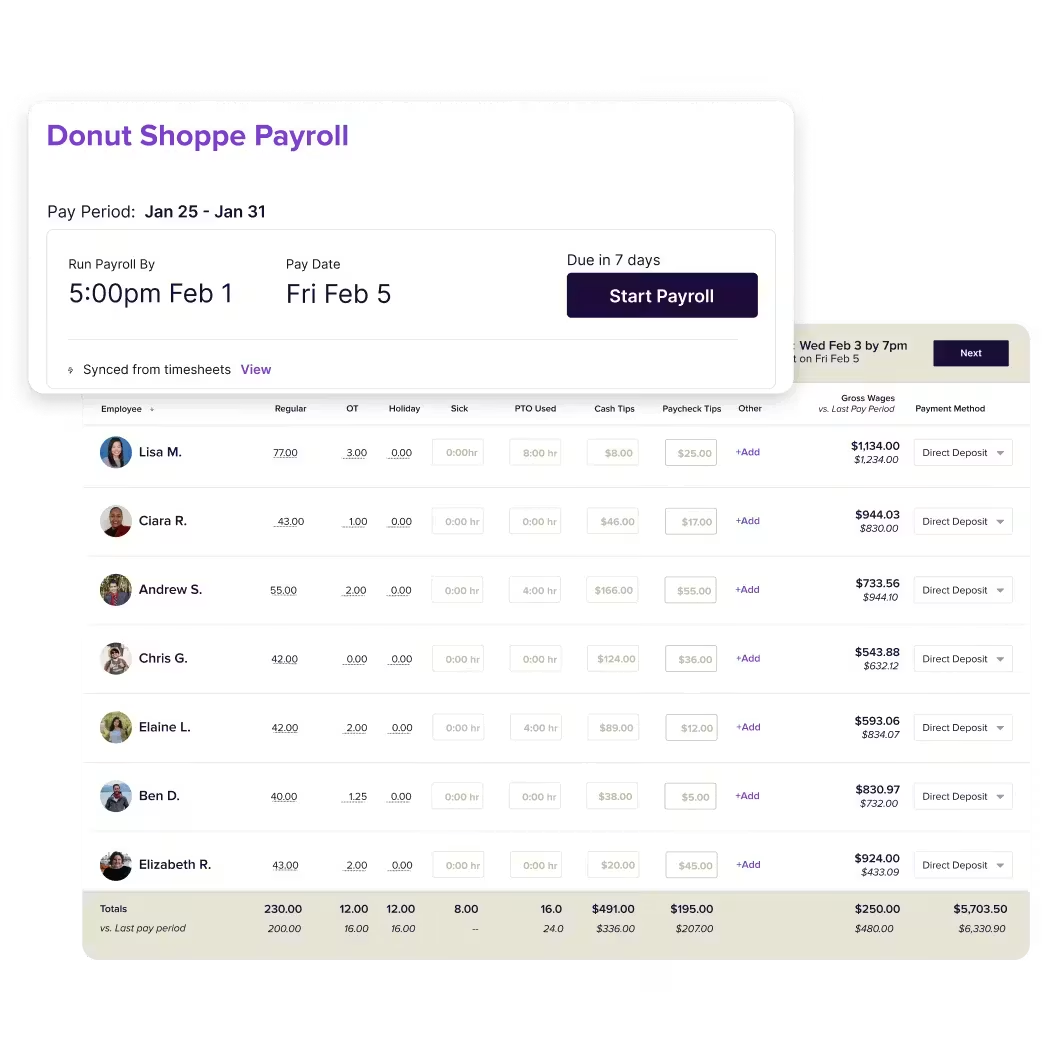
We're Homebase. We make a free scheduling and time tracking app for small businesses with hourly teams, with optional payroll and HR features available as paid add-ons. Homebase is not in the ranked list below, and every app was evaluated on its own merits. We never accept payment or backlinks in exchange for a product mention. We built this guide because switching HR software is a real time investment, and we want to make that decision easier.
How We Chose These Paylocity Alternatives
We evaluated payroll and HR apps on six criteria: small business fit, pricing transparency, hourly payroll capability, compliance support, ease of use, and user ratings from G2 and Capterra. Pricing was confirmed against each vendor's live page at time of publication. For more, read our full methodology.
Top 3 Paylocity Alternatives Compared
Gusto
- Best for: Salaried and contractor-heavy small businesses
- Free plan: No (free to set up until first payroll)
- Starting price: $49/mo + $6/employee
- G2: 4.0/5
Rippling
- Best for: Businesses managing HR and IT together
- Free plan: No
- Starting price: Quote-based
- G2: 4.8/5
GoCo
- Best for: Small teams wanting modular HR
- Free plan: No (free demo available)
- Starting price: $5/employee/month
- G2: 4.6/5
Pricing verified against vendor pages. Confirm before purchasing as rates change.
Publisher Note: How Homebase Compares
Homebase is a scheduling and time tracking app for hourly teams in restaurants, retail, and local service businesses, with payroll and HR available as paid add-ons. The free plan covers scheduling and time tracking for up to 20 employees at one location. We're the publisher of this guide, so this section sits outside the rankings.
- Best for: Hourly teams needing scheduling, time tracking, and payroll connected in one app
- Free plan: Yes, scheduling and time tracking for up to 20 employees at one location
- Starting price: Essentials from $24.95/mo per location (verify at joinhomebase.com/pricing)
- G2: 4.2/5 · Capterra: 4.6/5
Payroll is a paid add-on at $39/mo + $6/employee per month. Save 20% with annual billing.
The 6 Best Paylocity Alternatives, Reviewed
These six apps were picked after testing demos, verifying pricing against live vendor pages, and reviewing hundreds of ratings on G2 and Capterra.
1. Gusto: best all-in-one payroll and HR
Best for: Small businesses running payroll for salaried and hourly employees without daily shift scheduling.
Rating: G2: 4.0/5 · Capterra: 4.6/5
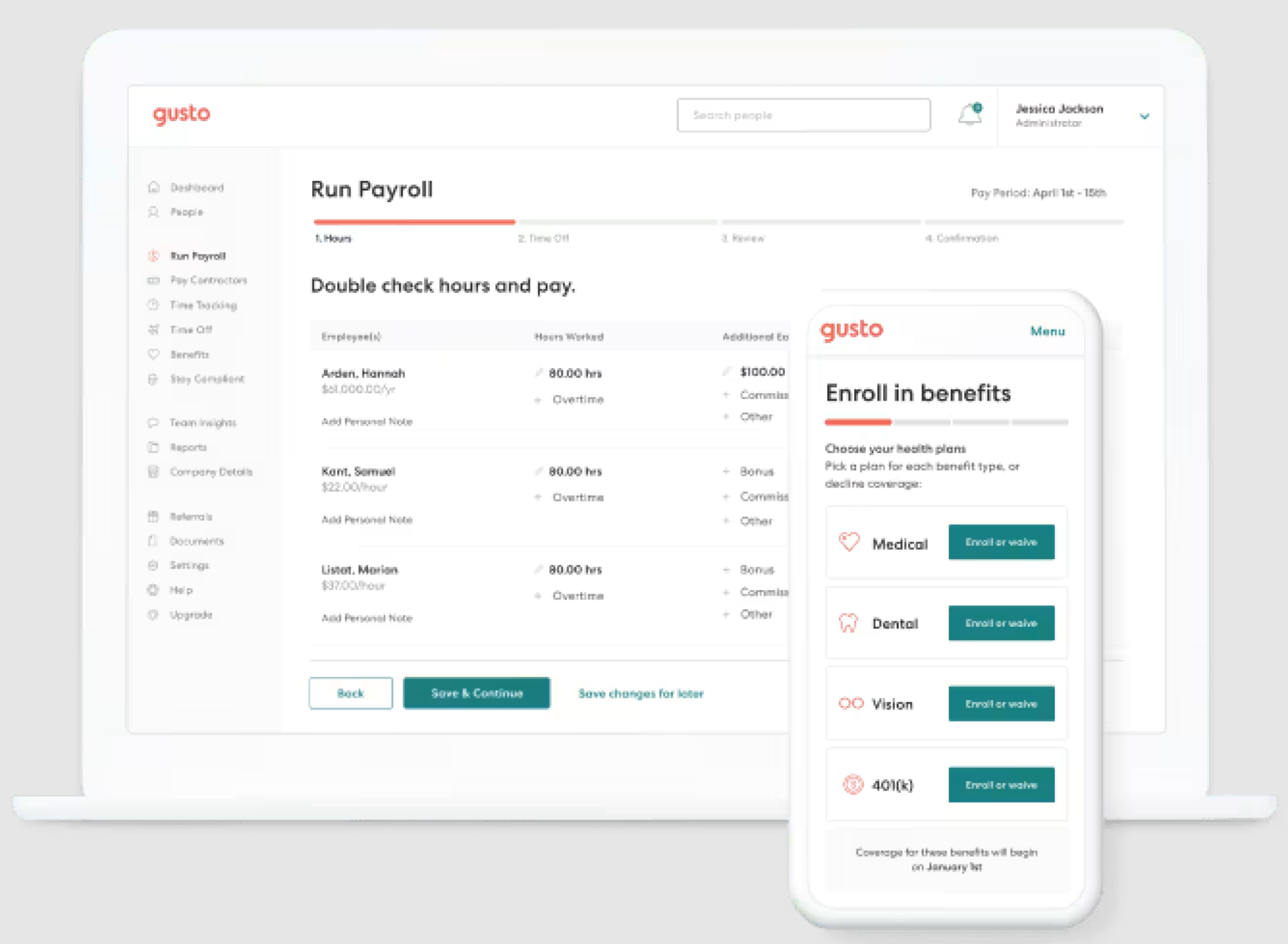
Gusto is a full-service payroll and HR app for small and midsize businesses. It handles automated tax filing in all 50 states, supports contractor payments in 120+ countries, and brings benefits administration, onboarding, and time tracking together. Unlike Paylocity, it publishes pricing openly with no sales call required.
Key features:
- Automated payroll tax filing in all 50 states
- Employee self-service for pay stubs, tax documents, and benefits enrollment
- 300+ integrations including QuickBooks, Xero, and Homebase
Pricing: Simple: $49/mo + $6/employee. Plus: $80/mo + $12/employee. Premium: $180/mo + $22/employee. Free to set up until first payroll. No permanent free plan. Verify at gusto.com.
What users like: Transparent pricing and fast setup earn consistent praise on both G2 and Capterra, particularly from users switching from tools with opaque monthly costs.
What users criticize: The main gaps flagged on G2 and Capterra: scheduling isn't included in base payroll plans (it requires Gusto's Time & Attendance add-on or higher-tier plans), time tracking is only from the Plus plan upward, and some users report slower support on the base plan.
Our take: Gusto is the cleanest switch for businesses that don't manage shifts on the base plan. Honest pricing, fast setup, all 50 states covered. If scheduling is a daily need, confirm whether the Time & Attendance add-on fits your budget before committing.
2. Rippling: best for businesses managing HR and IT together
Best for: Small businesses where new hires need software accounts and hardware access set up from day one.
Rating: G2: 4.8/5 · Capterra: 4.9/5
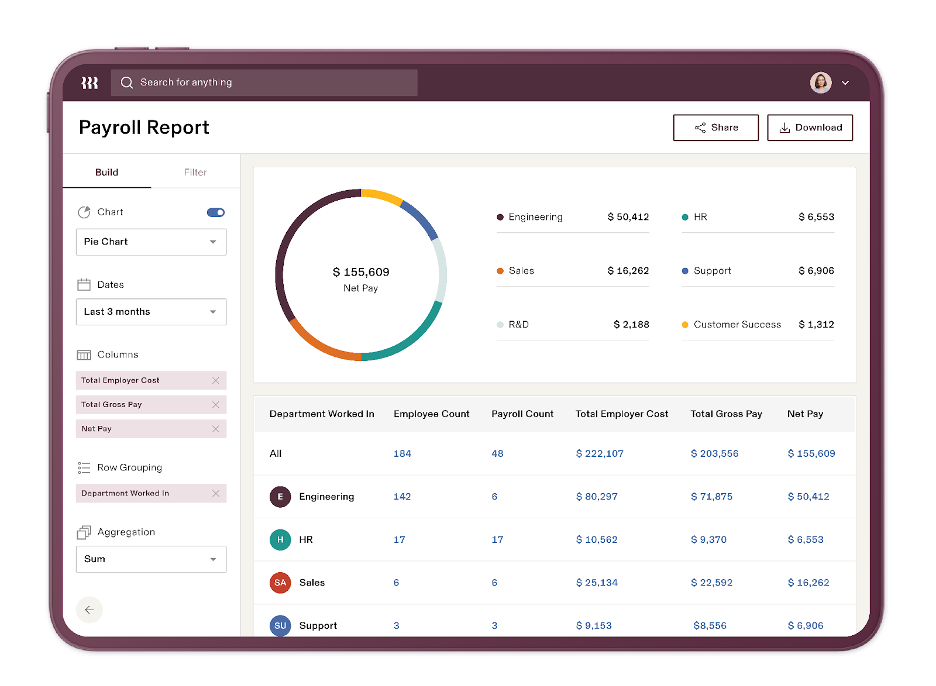
Rippling combines HR, payroll, and IT operations in a single app. You can set up a new hire's software accounts, manage their devices, and run payroll from the same dashboard. It's the most technically capable tool on this list.
Key features:
- HR and IT together: add a new hire and set up their app access and laptop in the same step
- Extensive reporting and analytics across HR and payroll
- Global payroll in 185+ countries
Pricing: Quote-based only. No published pricing, no free plan. Verify at rippling.com.
What users like: Onboarding automation speed and reporting depth come up repeatedly on G2 and Capterra, especially from teams that previously ran HR and IT out of separate tools.
What users criticize: Slow customer support is the most consistent complaint on G2 and Capterra. Several reviewers also note that key features sit behind paid add-ons, which pushes total cost higher than expected.
Our take: Worth it if your team regularly sets up laptops and software access alongside HR onboarding. If you don't need that, you're paying for complexity you won't use, and you won't know the full price until you're in a sales cycle.
3. GoCo: best flexible HR for small teams
Best for: Small and mid-sized businesses wanting modular HR with predictable per-employee pricing.
Rating: G2: 4.6/5 · Capterra: 4.7/5
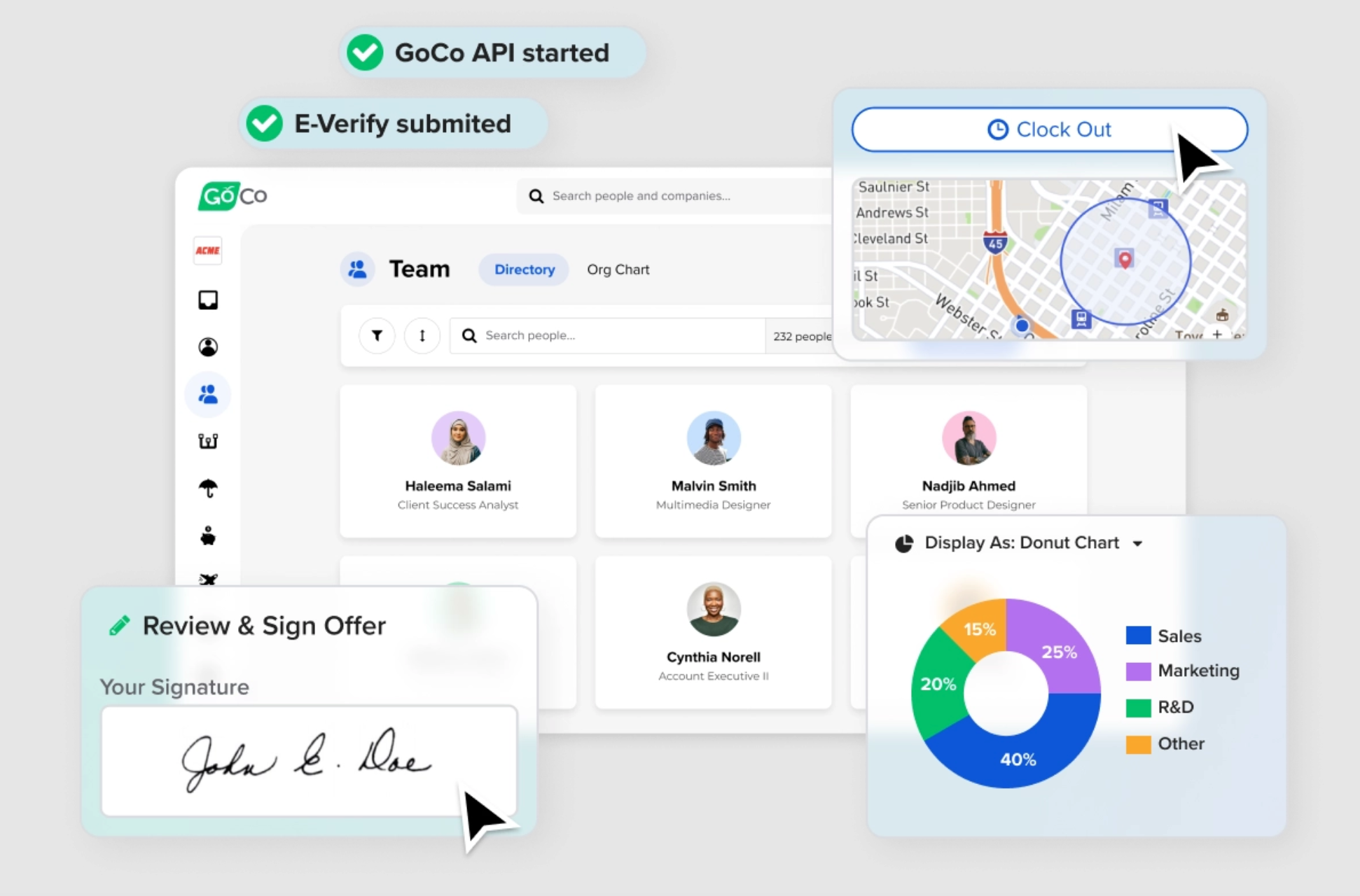
GoCo is a modular HR app designed for SMBs. It covers onboarding, benefits, time off, and compliance. Per-employee pricing keeps costs predictable as your team grows, a real advantage over Paylocity's custom-quote model.
Key features:
- Customizable onboarding workflows with document collection (I-9, W-4)
- Employee self-service for time off requests, pay stubs, and personal data
- Compliance tracking and full audit trails
Pricing: From $5/employee/month. No free plan, free demo available. Verify at goco.io.
What users like: The most common themes on G2 and Capterra: onboarding that's easy to customize without IT help, and a self-service portal that keeps routine employee requests out of the HR inbox.
What users criticize: A pattern worth noting on G2 and Capterra: some users hit feature ceilings as headcount grows beyond SMB scale.
Our take: GoCo covers the HR workflow that matters at smaller scale without charging for modules you'll never use. If onboarding, compliance, and time off are your main HR pain points, it's worth a demo.
4. BambooHR: best for employee experience and onboarding
Best for: Small businesses where HR's priority is onboarding quality, engagement, and performance tracking.
Rating: G2: 4.5/5 · Capterra: 4.6/5
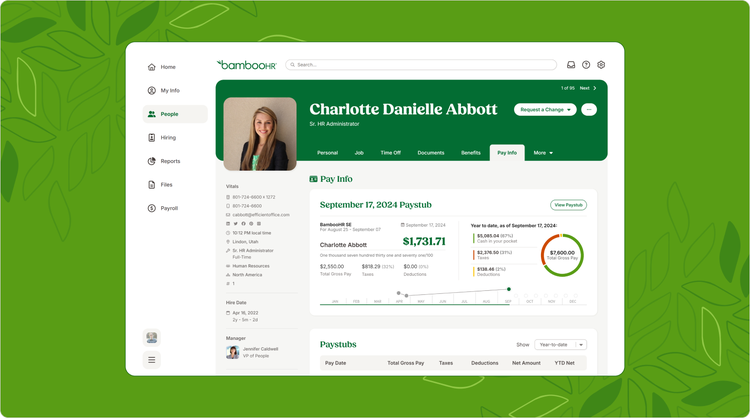
BambooHR is an HR app built around the employee experience. Onboarding, performance reviews, peer recognition, and employee self-service are where it excels. Payroll and time tracking are available as paid add-ons, so budget accordingly if you need those from day one.
Key features:
- Onboarding and offboarding workflows with e-signatures
- Anonymous employee surveys and peer recognition tools
- PTO tracking with automated accruals and 125+ integrations
Pricing: Custom pricing only. BambooHR does not publish rates. Payroll and time tracking are separate add-ons. 7-day free trial available. Verify at bamboohr.com.
What users like: The clean interface and onboarding flow get high marks on G2 and Capterra, with users frequently mentioning how easy it is to get a new hire set up without chasing paperwork.
What users criticize: On G2 and Capterra, the recurring theme is that add-ons push total cost well above the base quote, and the mobile app has limited admin functionality.
Our take: The right call if your HR pain is people-side rather than payroll-side. If you need payroll built in from day one without paying extra, look elsewhere first.
5. Paychex: best for compliance support and a dedicated specialist
Best for: Small businesses in regulated industries, including healthcare, food service, and manufacturing, that want a dedicated payroll specialist.
Rating: G2: 4.2/5 · Capterra: 4.1/5
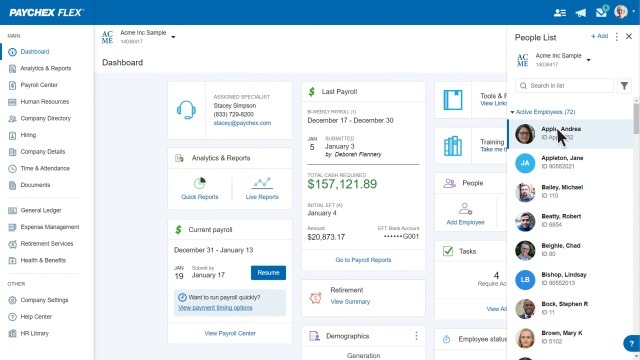
Paychex is one of the most established names in small business payroll. Its key differentiator is a dedicated payroll specialist: an actual person assigned to your account who you can call when something goes wrong.
Key features:
- Dedicated payroll specialist (not a support ticket queue)
- HR consultation and compliance guidance for regulated industries
- Payroll benchmarking against local competitors
Pricing: Quote-based only. Paychex no longer publishes standard rates publicly. No free plan. Verify at paychex.com.
What users like: The dedicated specialist comes up as the primary reason users stay when you read through G2 and Capterra reviews, especially those in regulated industries.
What users criticize: Cost and reporting are the two friction points that show up most on G2 and Capterra: more expensive than most alternatives, and reporting is limited compared to newer tools.
Our take: The right pick when reliability matters more than price. If you're never fully confident about overtime rules or tip reporting compliance, having a dedicated specialist to call is worth the premium.
6. Paycom: best for employee-driven payroll
Best for: Businesses where payroll corrections are a recurring problem and employee verification could fix it.
Rating: G2: 4.2/5 · Capterra: 4.4/5
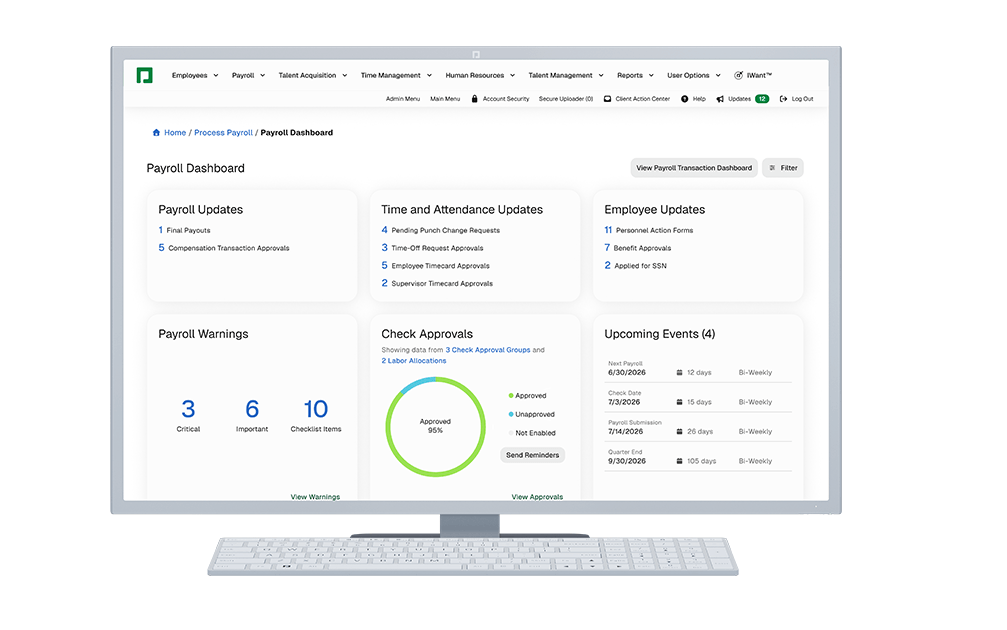
Paycom sets itself apart through Beti, its employee-managed payroll feature. Before each run, employees review their own hours, benefits, and deductions and flag any errors. It moves corrections from after paychecks go out to before they run.
Key features:
- Beti: employees review and verify payroll data before each run
- On-demand pay via Vault Visa Payroll Card
- Automated tax filing in all 50 states and time tracking with mobile app
Pricing: Quote-based only. No published pricing, no free plan. Verify at paycom.com.
What users like: Beti gets the most praise on G2 and Capterra for cutting payroll corrections and re-runs. The mobile app is also frequently called out for strong employee adoption without much prompting.
What users criticize: The setup friction is real: G2 and Capterra reviewers flag Beti's initial complexity, the employee buy-in required to make it work, and limited customization once the system is configured.
Our take: Paycom solves one specific problem well. If corrections after the fact are your biggest payroll headache, Beti is worth the sales call. If your team is eight people and payroll runs cleanly, it's more infrastructure than the problem calls for.
How Do You Choose the Right Paylocity Alternative?
The right pick depends on how your business runs:
- If you manage hourly shifts (restaurants, retail, salons, local services): look for a tool where scheduling and payroll connect in the same app. Replacing Paylocity with something that still needs a separate scheduling add-on is the same problem in a different package.
- If you run a mostly salaried team: Gusto's transparent pricing and 50-state tax filing make it the most straightforward switch.
- If headcount changes constantly: Rippling's onboarding automation, including software and device setup, saves meaningful time per hire.
- If budget is your primary constraint: GoCo's per-employee pricing stays predictable. BambooHR's 7-day free trial gives you time to evaluate before committing.
- If you're in a regulated industry: Paychex gives you a dedicated specialist to call when compliance questions come up, and that's worth it when the stakes are high.
- If payroll corrections are a recurring headache: Paycom's Beti moves the verification step to employees before the run.
Payroll for an hourly team means variable hours, tips, overtime, and break premiums every pay period. When those hours flow from time tracking into payroll without re-entry, a meaningful amount of manual checking disappears. Tools like Homebase connect that full workflow in one app, with scheduling and time tracking free to start and payroll available as an add-on when you're ready.
Frequently Asked Questions About Paylocity Alternatives
What is the best alternative to Paylocity for small businesses?
Gusto is the most commonly recommended Paylocity alternative for small businesses without shift-based teams. It publishes pricing openly, covers payroll in all 50 states, and doesn't require a lengthy implementation. For businesses managing hourly shifts, Homebase offers free scheduling and time tracking in one app, with payroll available as a paid add-on, which neither Gusto nor Paylocity provides without additional plans or integrations.
Is Paylocity good for small businesses?
Paylocity primarily targets mid-sized businesses. Its feature set is oriented toward organizations with dedicated HR departments, and pricing is not publicly disclosed. Most small businesses will find a more affordable, easier-to-implement option among Paylocity's alternatives.
What is the difference between Paycom and Paylocity?
Both are full-suite HR and payroll apps for mid-sized businesses. Paylocity is known for employee engagement tools like surveys and learning modules. Paycom's main differentiator is Beti, a system that lets employees review and verify their own payroll data before it runs, reducing corrections after payday.
Is Paychex better than Paylocity?
Paychex may be a better fit if you want a dedicated payroll specialist and personal support. Paylocity includes more features out of the box but has a more complex setup and no published pricing. In regulated industries, Paychex's specialist approach often delivers more practical day-to-day value.
Does Paylocity have a scheduling tool?
Yes. Paylocity includes scheduling as a first-party feature through its Workforce Management (WFM) suite. That covers shift creation, shift claiming, shift swapping, AI-assisted scheduling, geofencing, and mobile time clocks. The catch: those features come as part of a full mid-market HR package with custom, quote-based pricing, which puts it in a different category than lightweight scheduling apps built for small hourly teams.
What is the cheapest Paylocity alternative?
GoCo starts at $5/employee/month. Homebase offers a free plan that includes scheduling and time tracking for up to 20 employees at one location. Paylocity does not publish pricing. Independent analysts estimate costs in the $18 to $40 per employee per month range, but these are third-party estimates, not figures from Paylocity directly.
What are the most common reasons businesses switch from Paylocity?
Pricing that isn't transparent, a steep learning curve, unresponsive support, and a feature set built for mid-market HR teams rather than owners doing it themselves. Many small businesses find the full suite is more than they need when all they're after is payroll, scheduling, and basic HR.
The Bottom Line on Paylocity Alternatives
Paylocity is capable, but for a different kind of company than most small businesses. If you're managing an hourly team at a restaurant, retail shop, salon, or local service business, you're paying for a system built for someone else.
The alternatives on this list are built closer to how small businesses actually run. Gusto if you want honest pricing and clean payroll. Rippling if IT is part of your HR headache. GoCo if predictable costs matter. BambooHR if onboarding is the priority. Paychex if you want a specialist on call. Paycom if you want your team verifying their own pay before it runs.
If you want a side-by-side look at all your options, our employee management software guide covers the full landscape.
If your team works shifts and you want those hours to connect directly to what they get paid, that's what we built Homebase for. Start for free and add payroll when you're ready.

Carissa is the SEO + GEO Managing Editor at Homebase, with 13 years of experience in content marketing and SEO strategy. She’s created foundational guides on starting a business, navigating payroll, and managing teams, and helped solo lawyers, artists, and creative entrepreneurs grow their web presence and organic traffic.

.webp)
Carissa is the SEO + GEO Managing Editor at Homebase, with 13 years of experience in content marketing and SEO strategy. She’s created foundational guides on starting a business, navigating payroll, and managing teams, and helped solo lawyers, artists, and creative entrepreneurs grow their web presence and organic traffic.
